Учебное пособие
Как оформить заказ
Следуйте инструкции ниже, чтобы зарегистрироваться, выбрать товар, оформить заказ, создать посылку и отслеживать доставку.
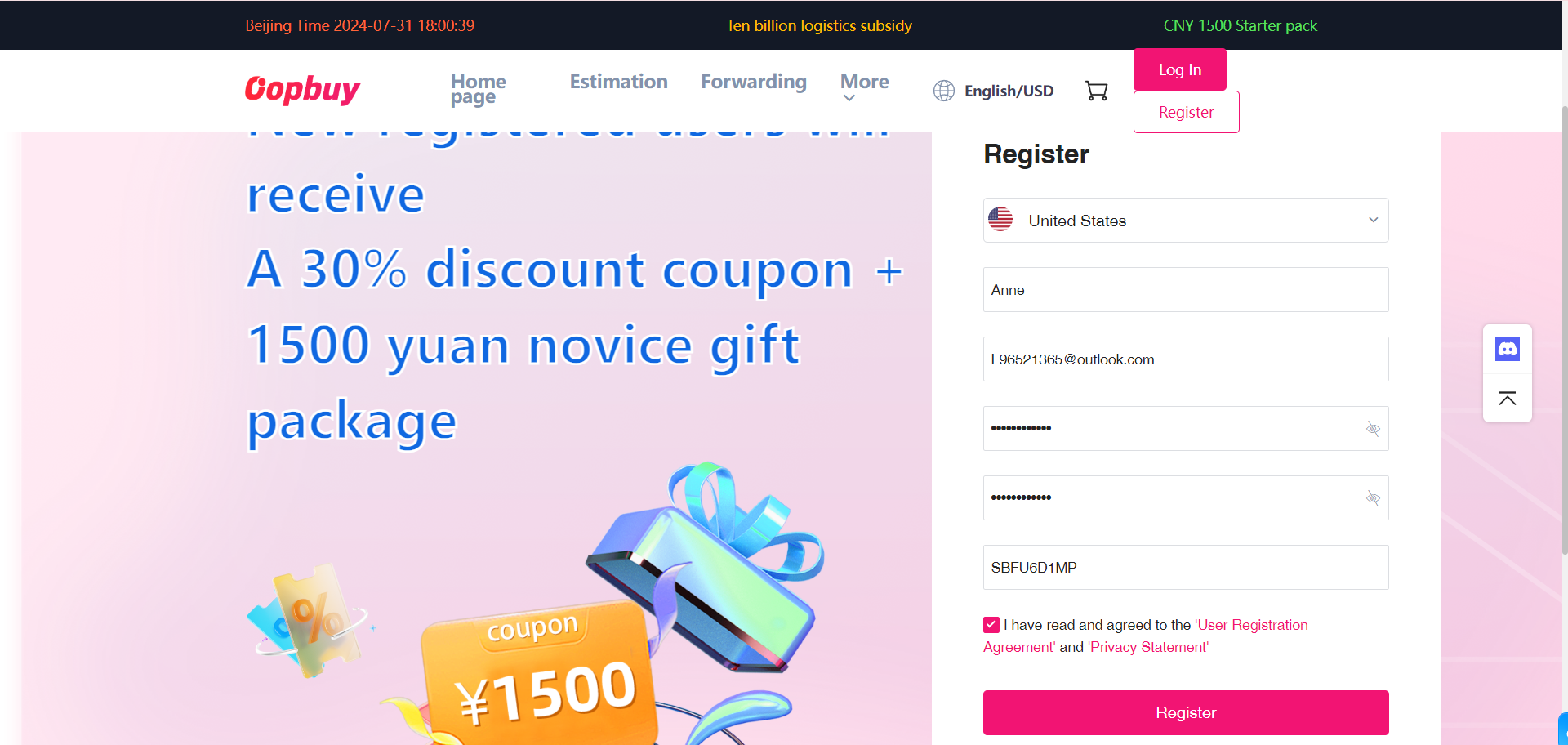
Зарегистрируйтесь и заполните регистрационную информацию
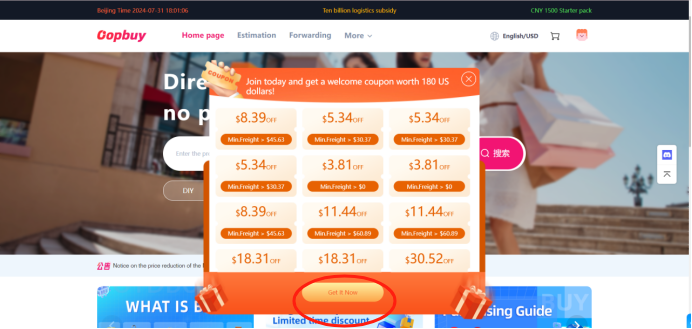
Получите купон
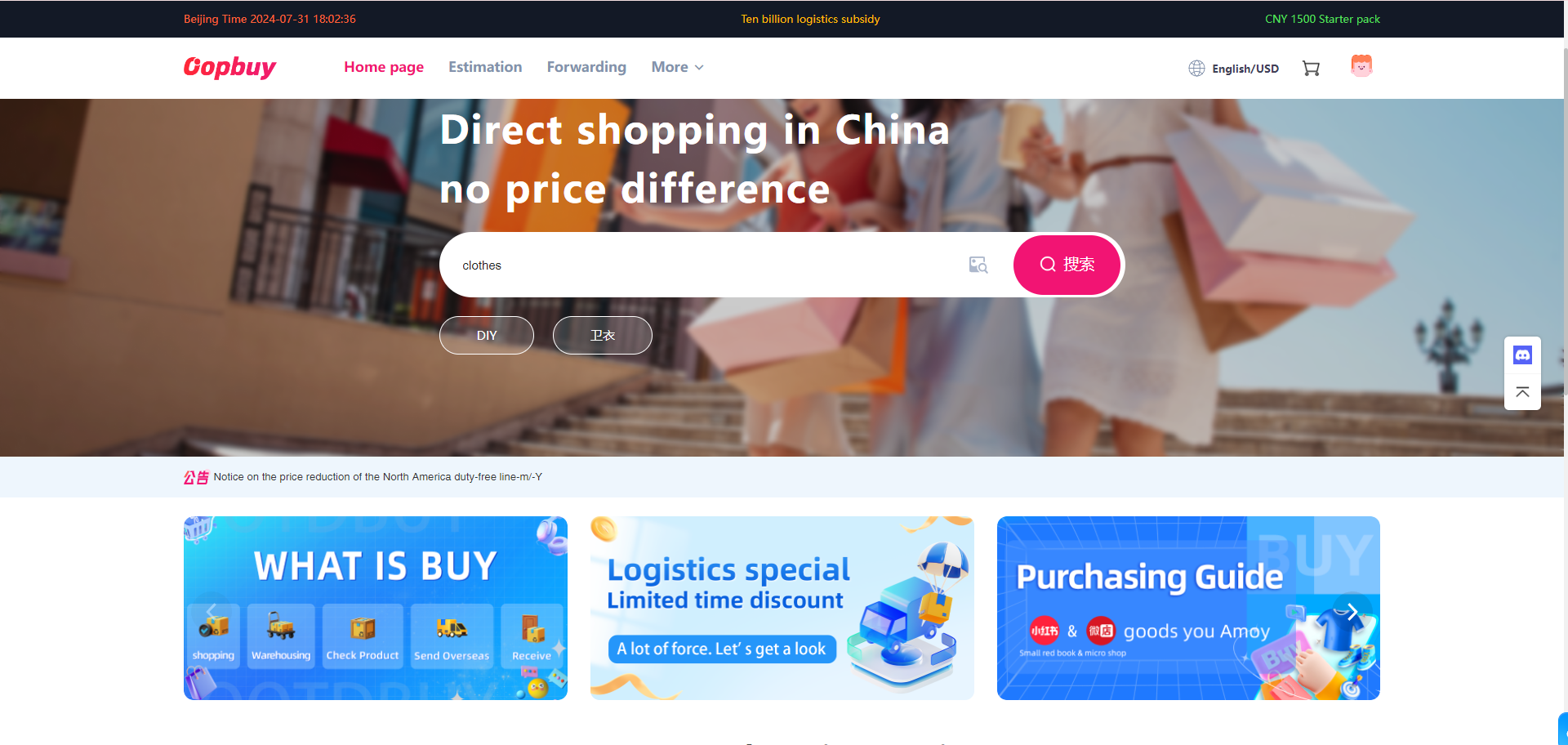
Найдите нужный товар на главной странице
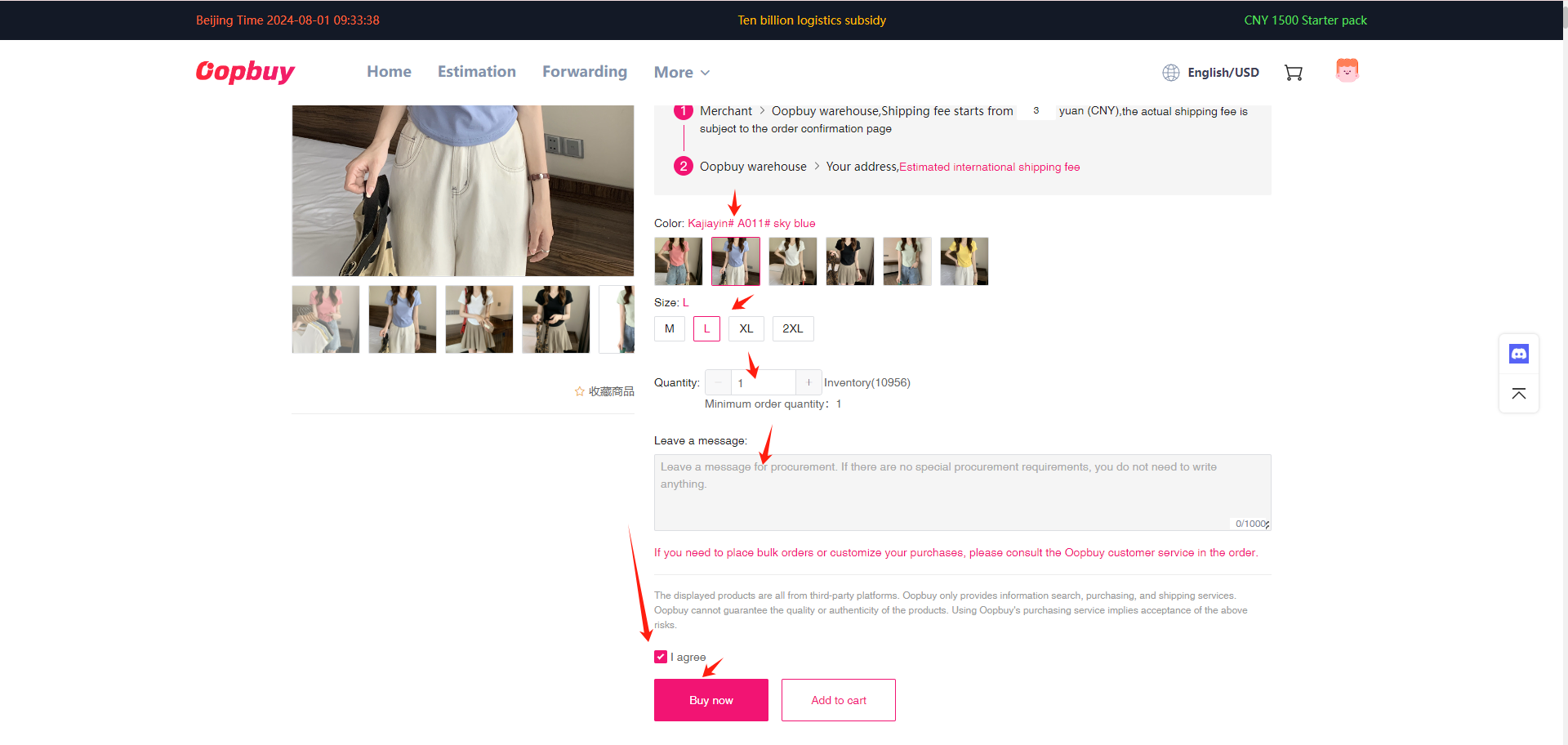
Выберите стиль, размер и количество товара, затем оформите заказ
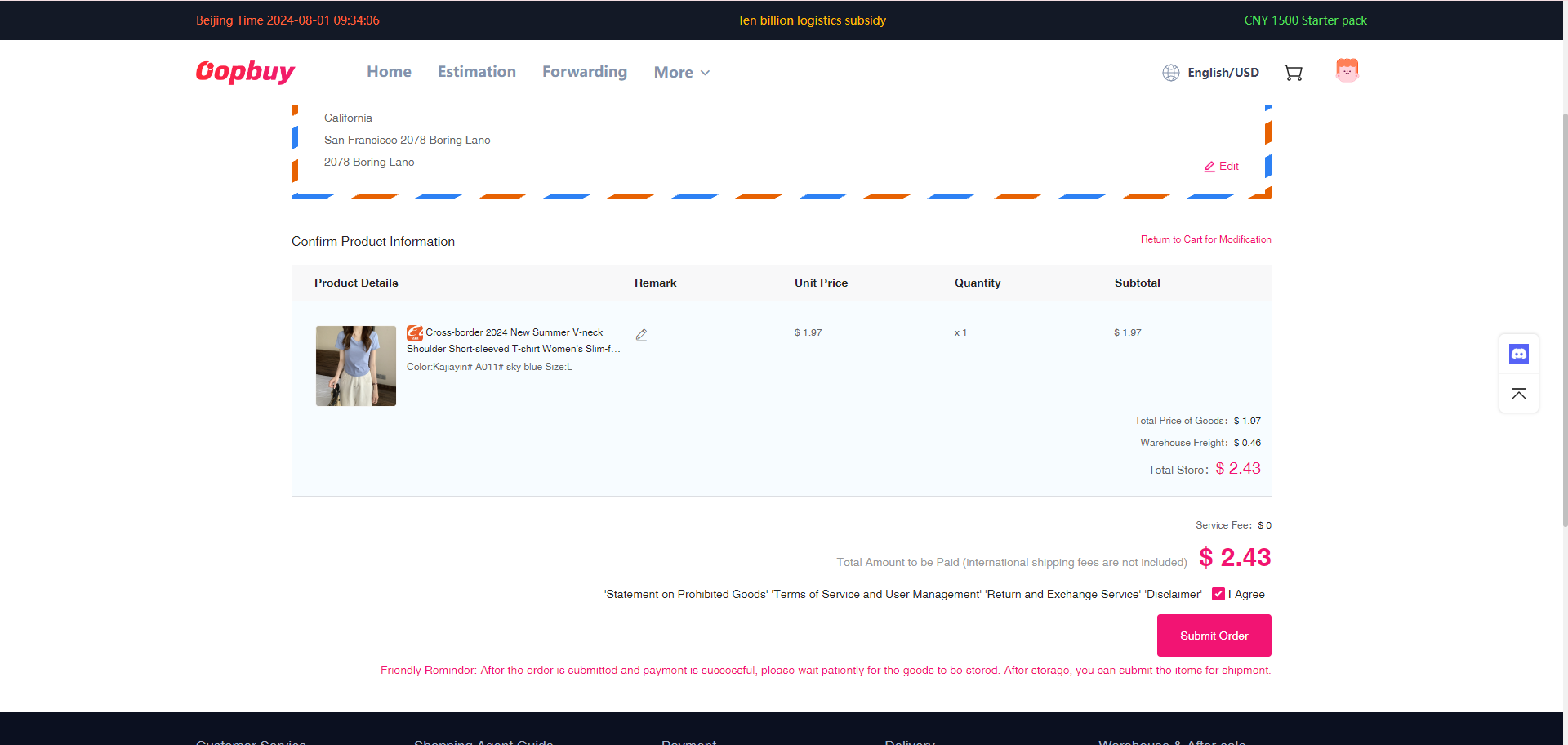
Заполните личную информацию и оплатите заказ
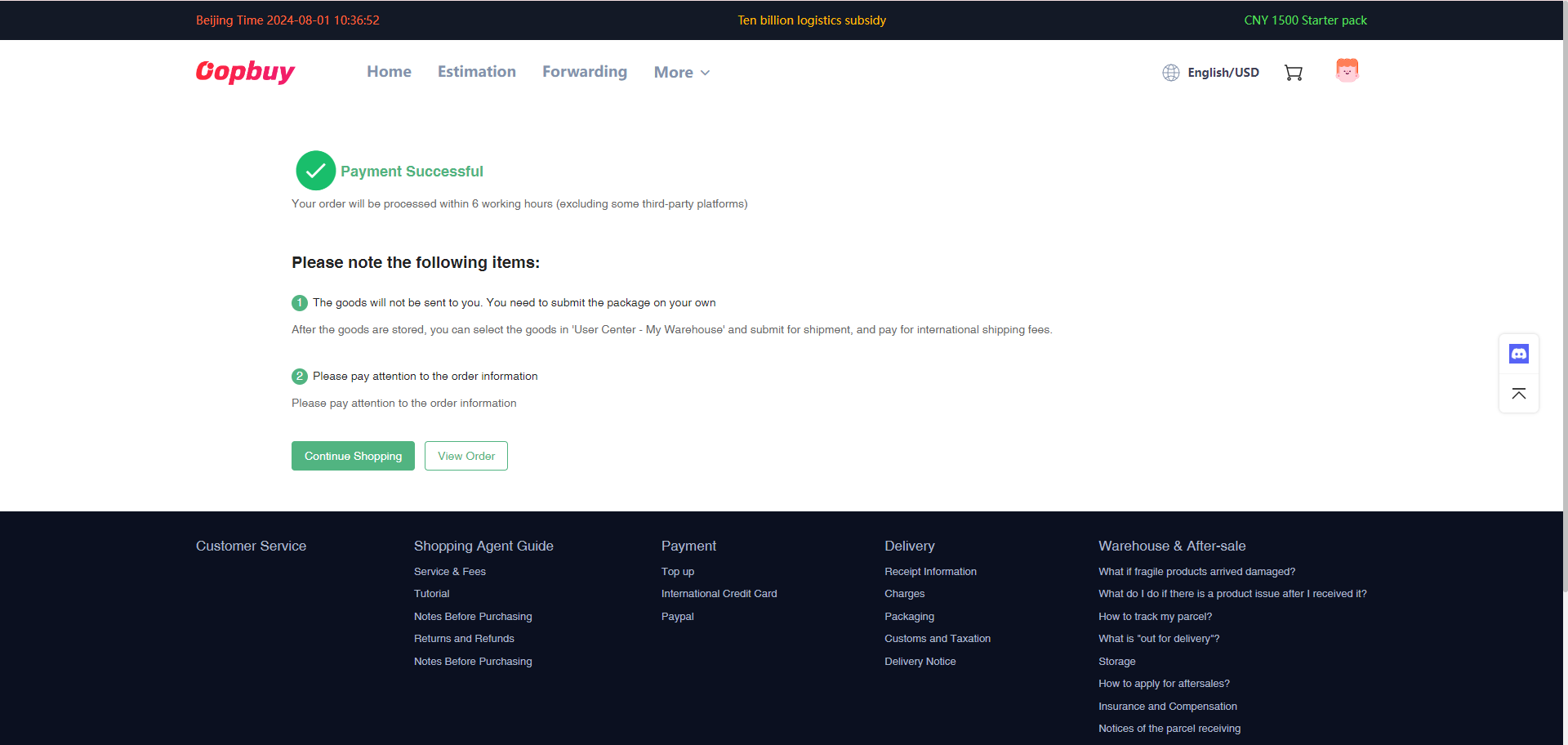
После успешной оплаты нажмите «Посмотреть заказ»
Вы сможете просмотреть заказ в личном кабинете. Также можно продолжить покупки.
Дождитесь поступления товара на склад и создайте отправление
После успешного оформления заказа мы выкупим товар. Когда товар поступит на склад KupiKupi, вы сможете создать отправление в разделе «Мой склад».
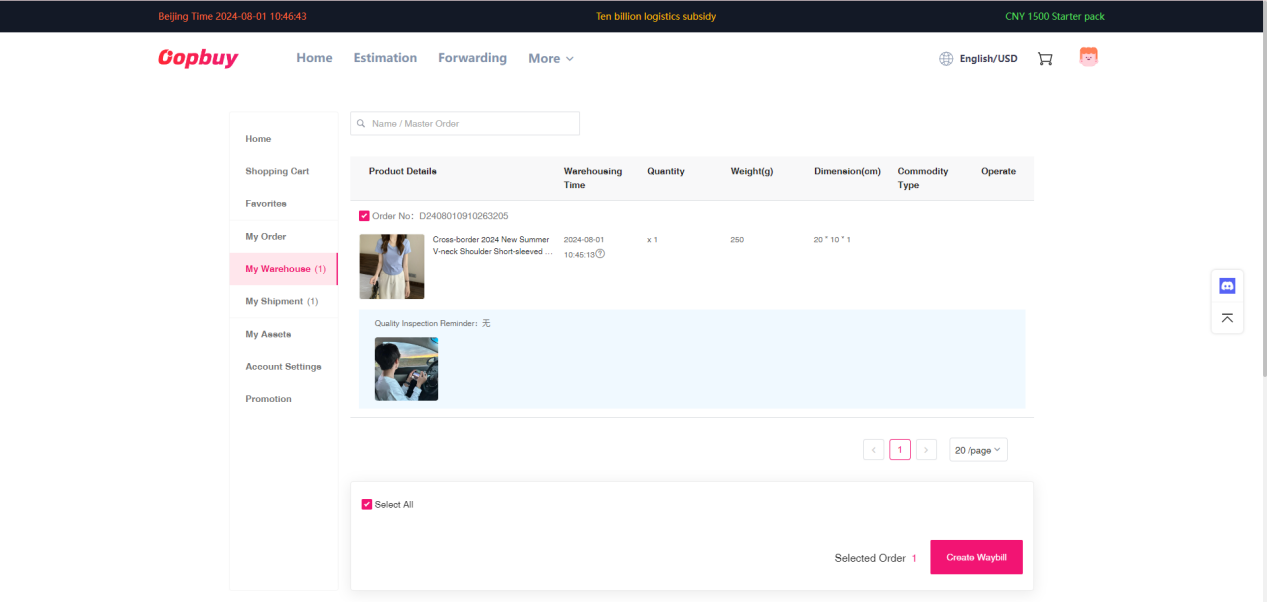
Если несколько товаров должны быть отправлены одной посылкой, дождитесь поступления всех товаров на склад, выберите их вместе и затем создайте отправление.
Создайте отправление
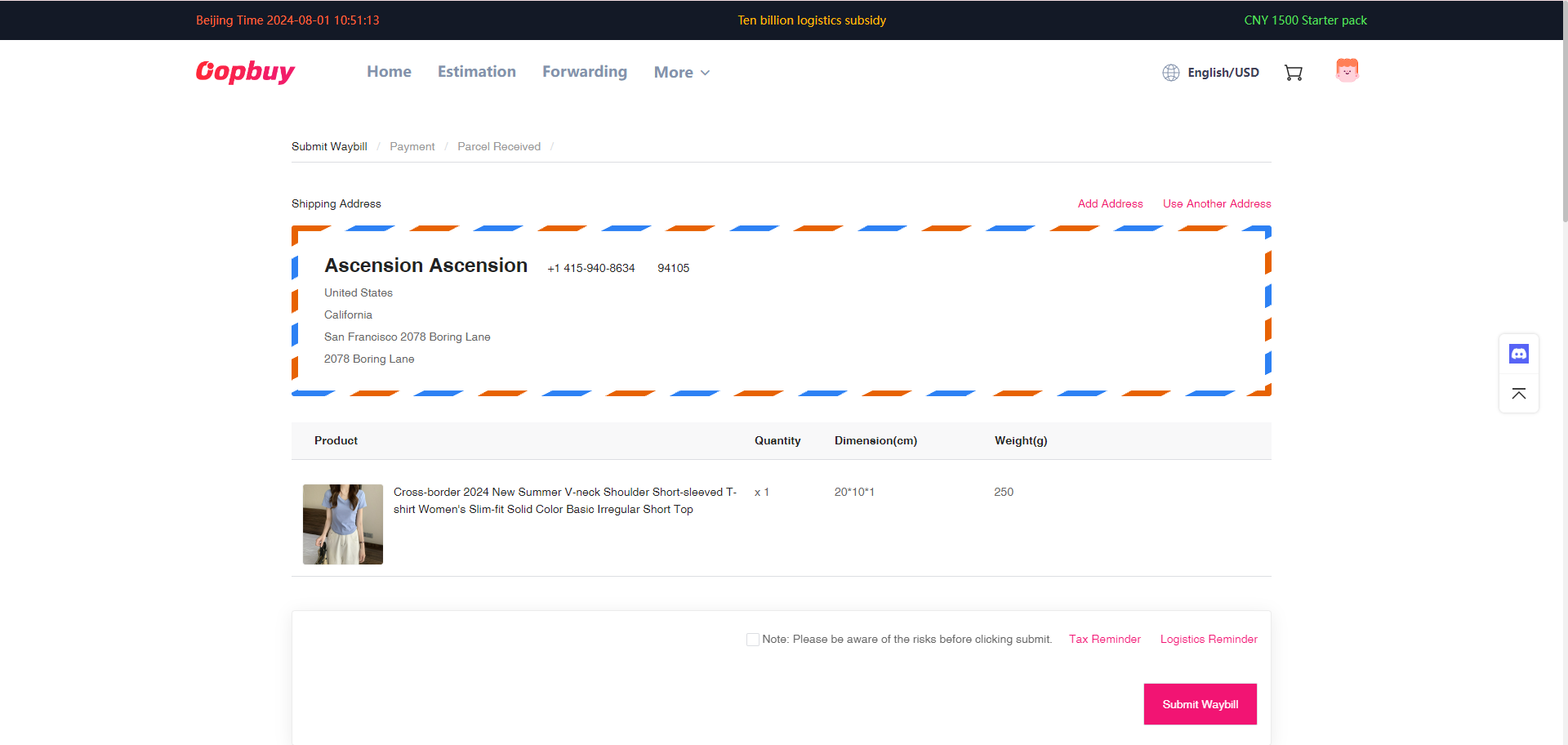
Проверьте имя получателя, адрес, номер телефона и другую личную информацию.
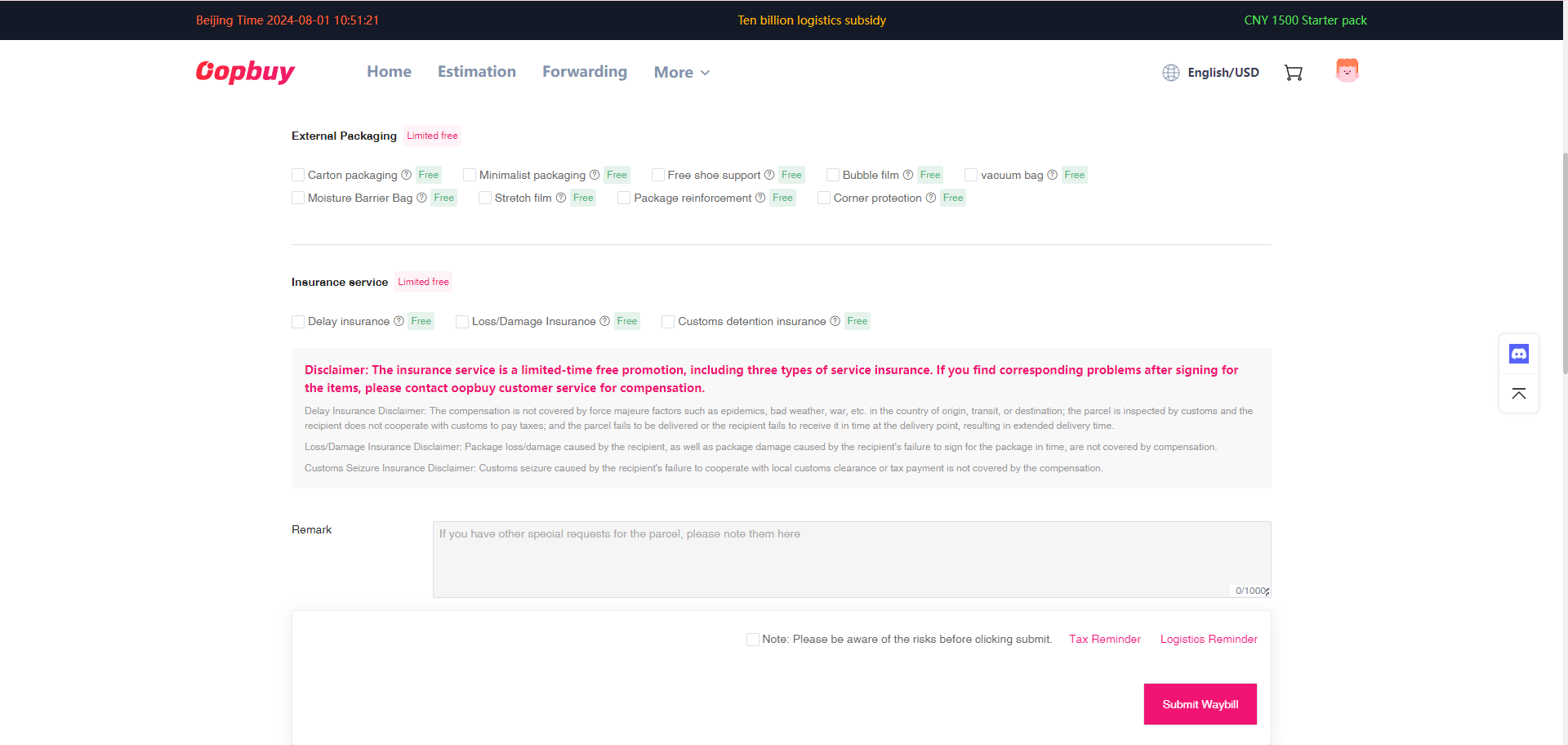
Вы можете выбрать способ упаковки и страхования.
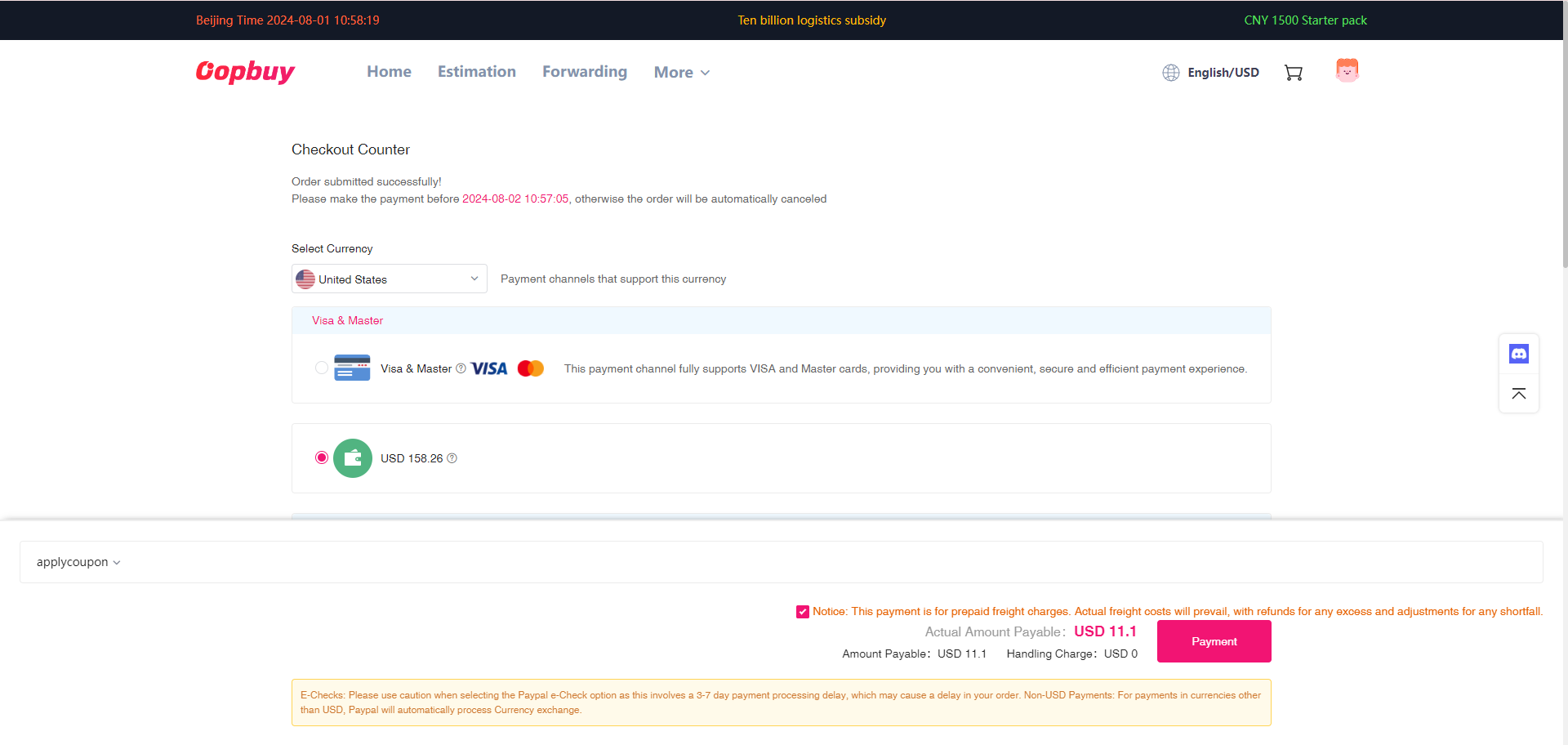
Оплатите стоимость доставки
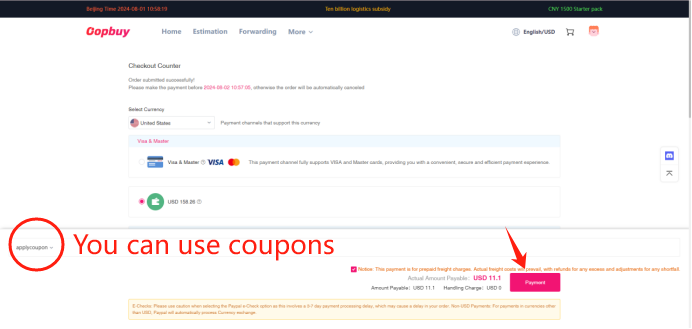
На этом этапе оплачивается предварительная стоимость доставки.
После упаковки посылки оплатите фактическую стоимость доставки
После того как склад упакует посылку, необходимо оплатить фактическую стоимость доставки в разделе «Мои отправления».
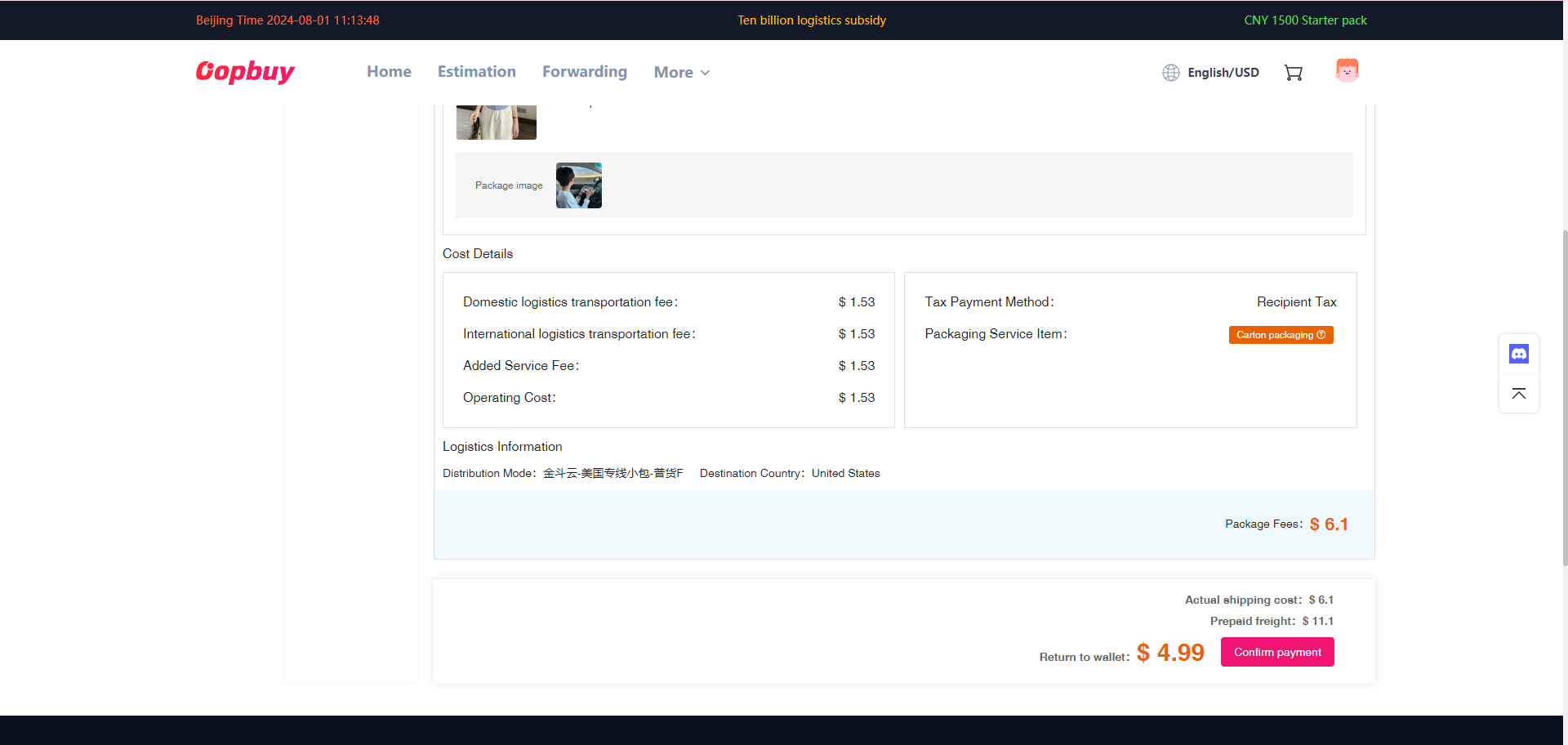
Если предварительно оплаченная доставка ниже фактической стоимости, необходимо доплатить разницу. Если предварительно оплаченная доставка выше фактической стоимости, остаток будет возвращен на ваш счет.
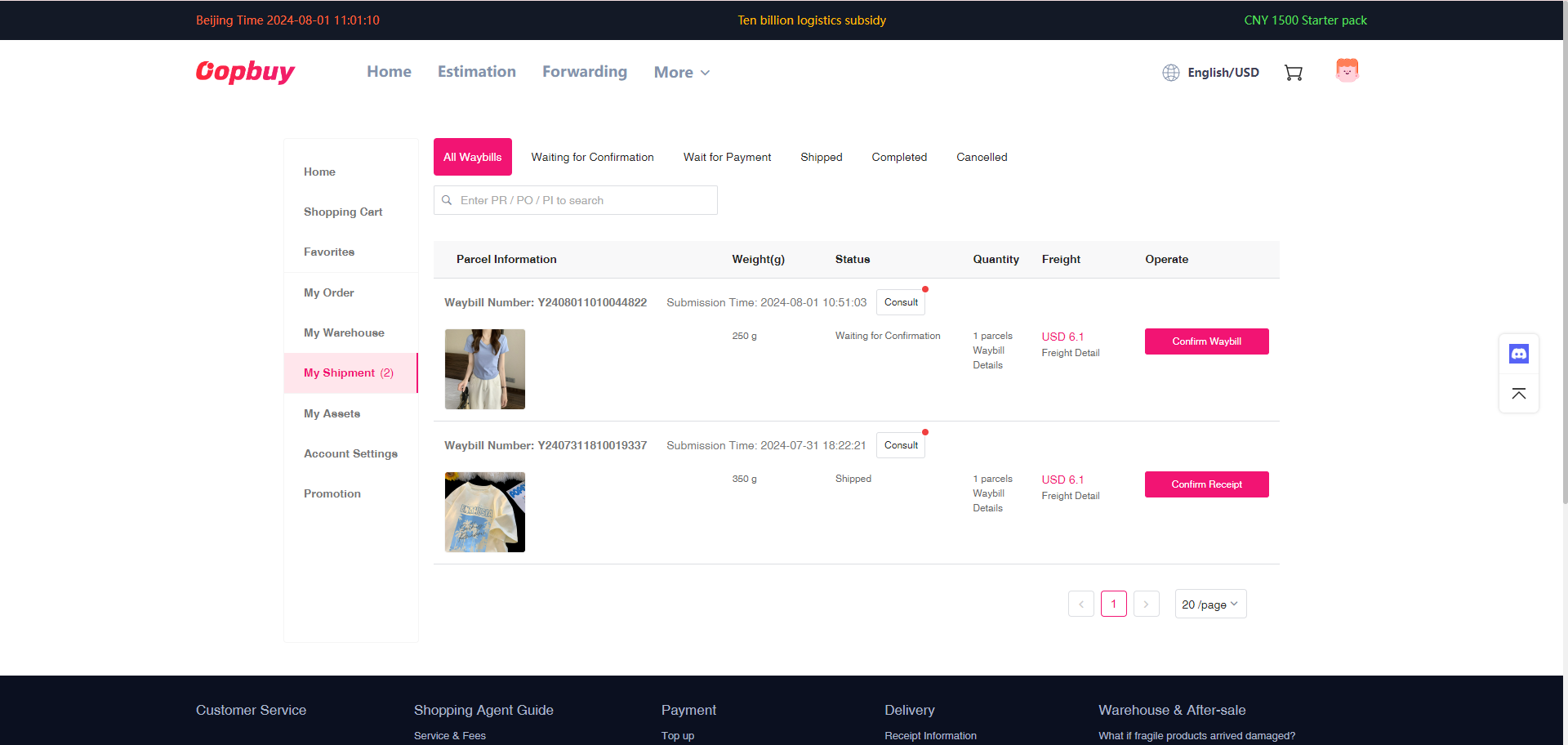
Отслеживайте доставку
После отправки посылки вы можете проверить логистический маршрут в разделе «Мои накладные» и ожидать доставку.